Page overview
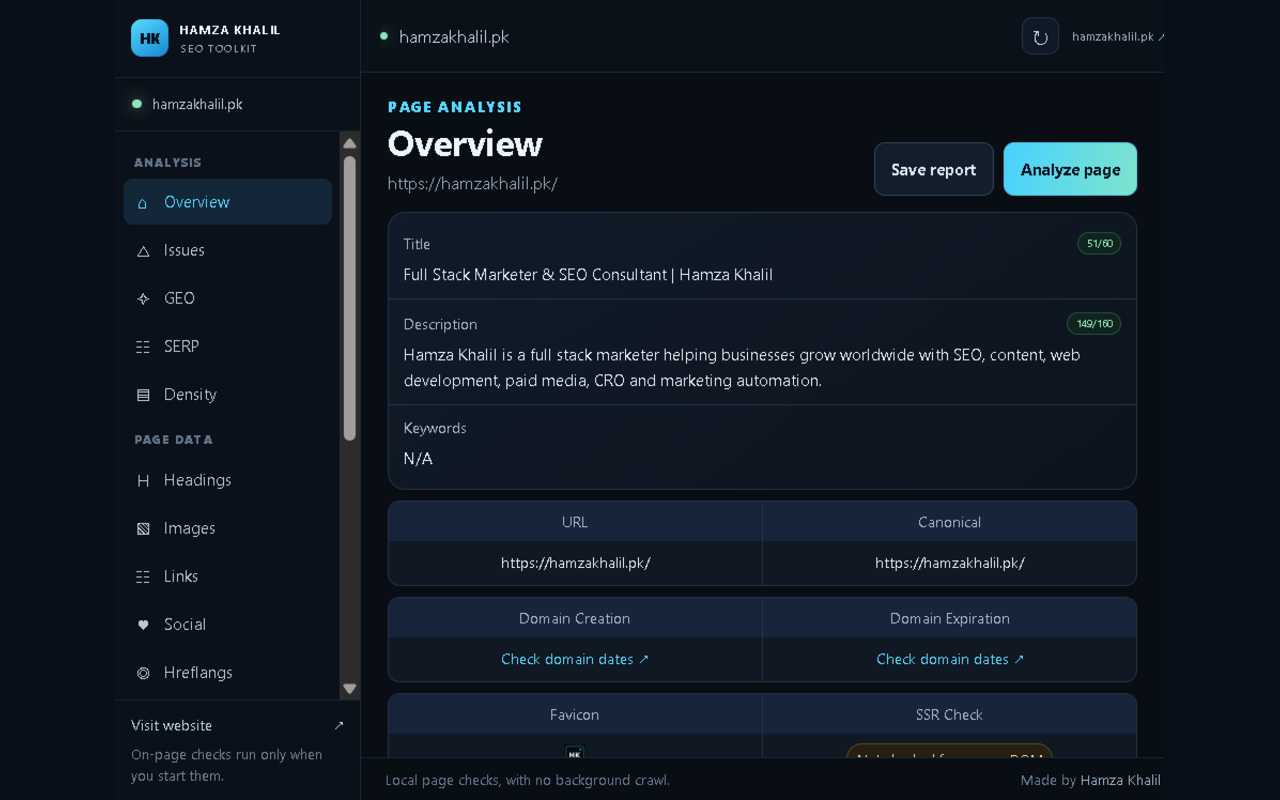
Review title, description, canonical, headings, link and image counts at a glance.
Free browser toolkit
Review the essentials on the page you have open. The Hamza Khalil SEO Toolkit puts on-page checks, GEO signals and useful page details inside a compact Chrome popup.
For desktop Chrome. Install directly from the Chrome Web Store.
Desktop package for manual installation.
What it checks
Open the extension on a regular webpage to inspect page-level details. External estimates are labeled as estimates, and unsupported metrics are not made up.
Review title, description, canonical, headings, link and image counts at a glance.
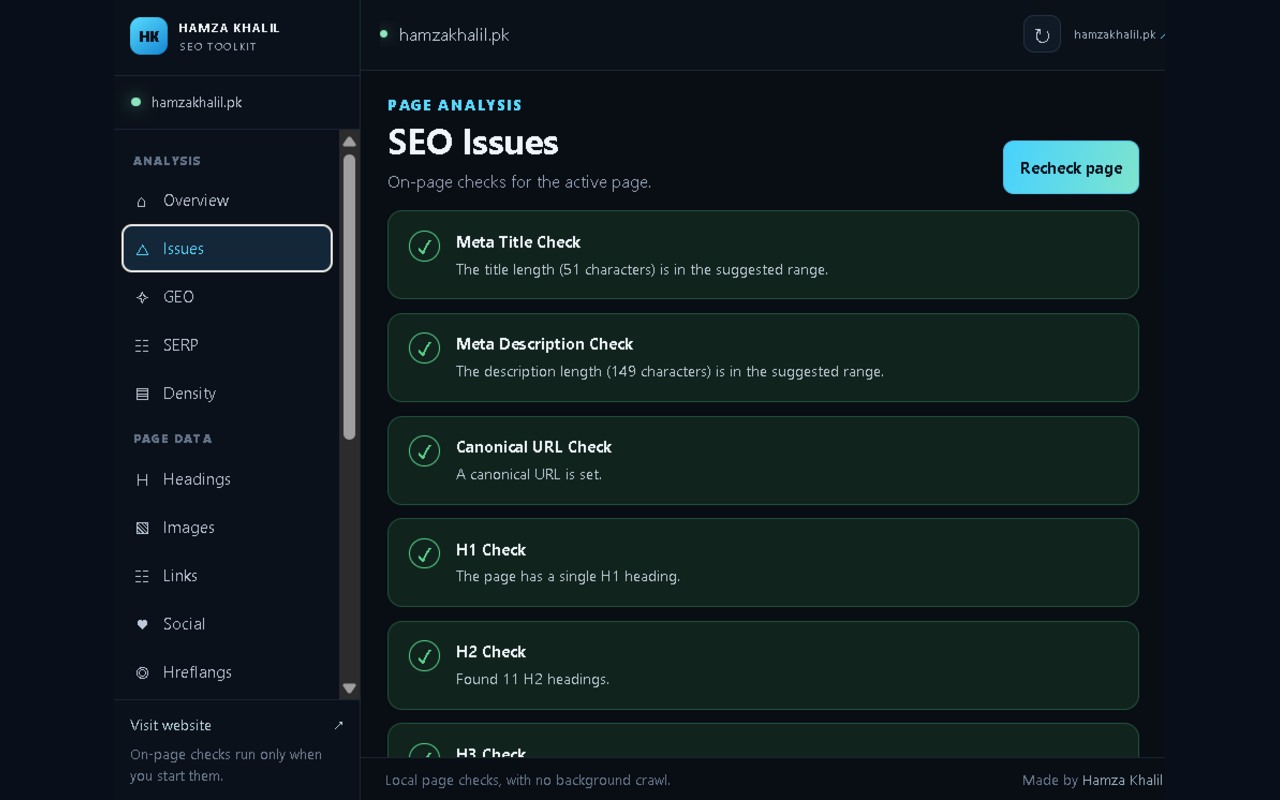
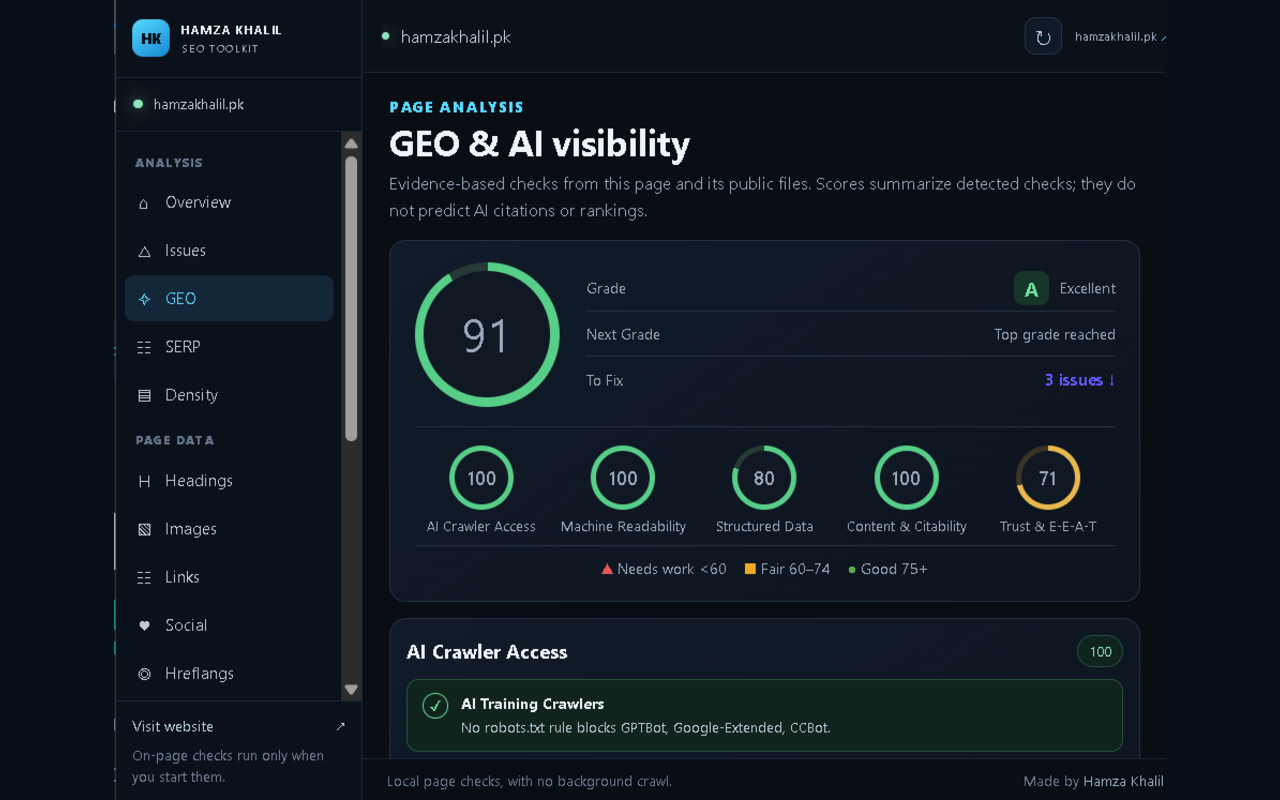
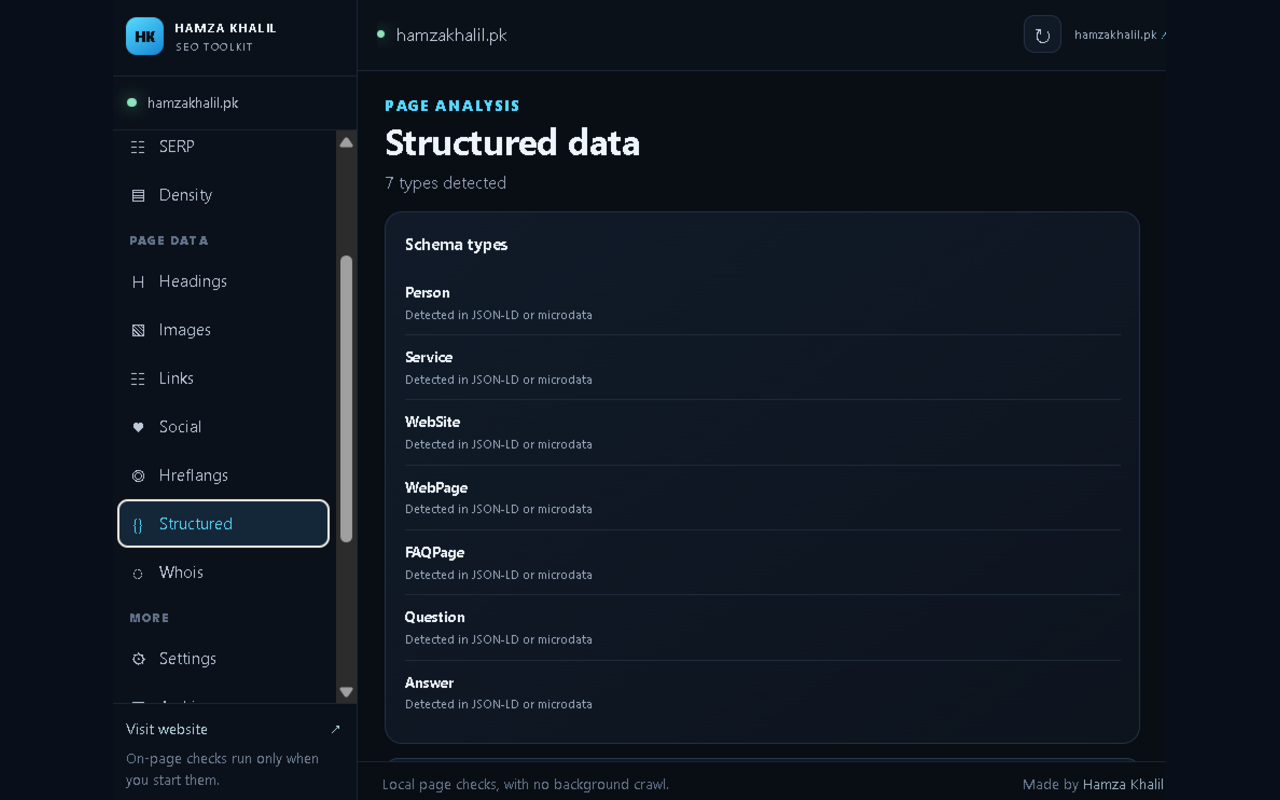
Check crawler access, indexability, structured data, citations and page trust signals.
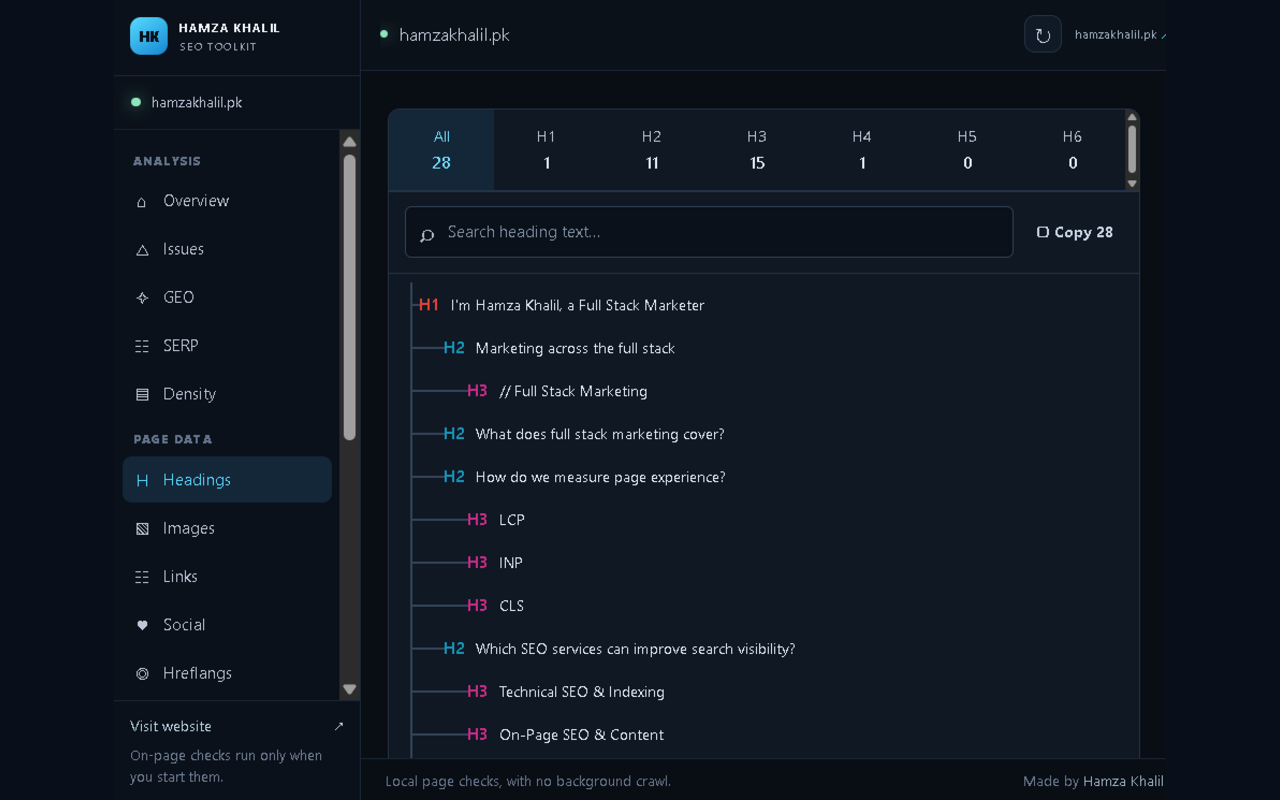
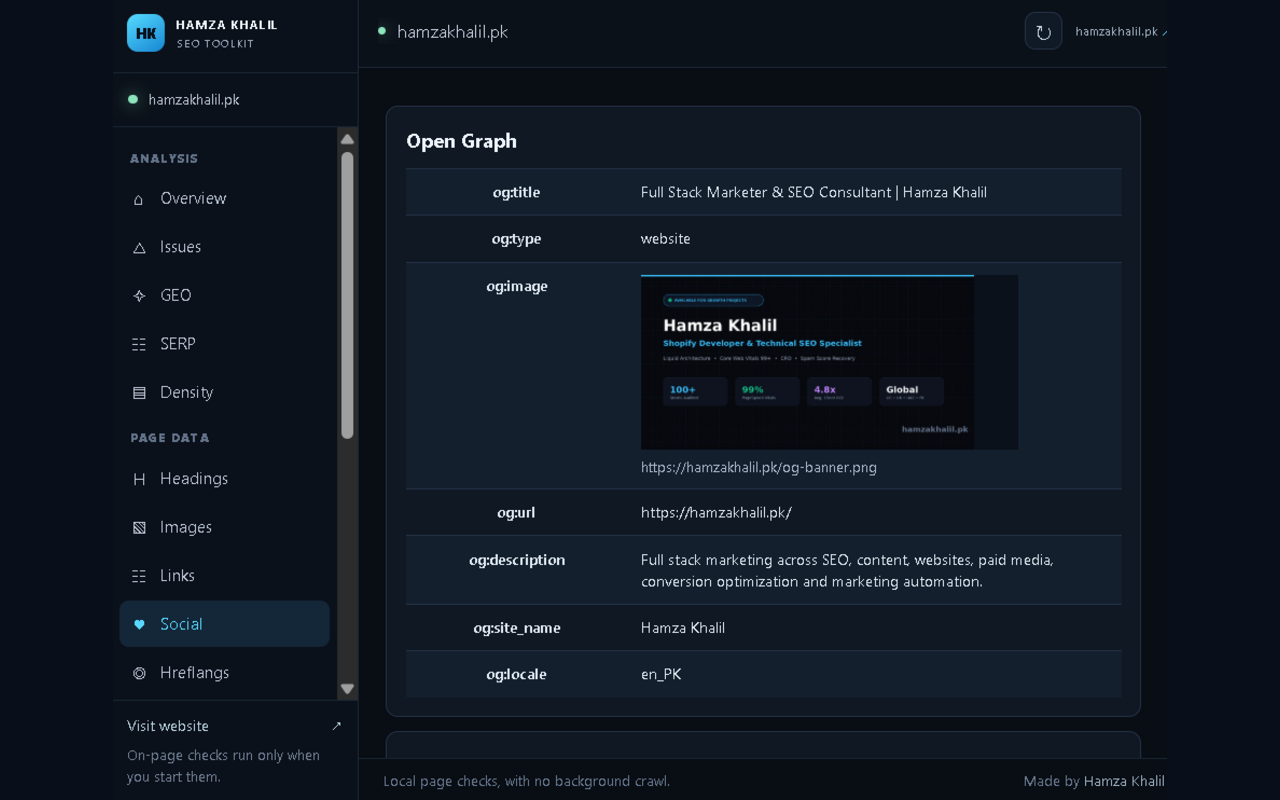
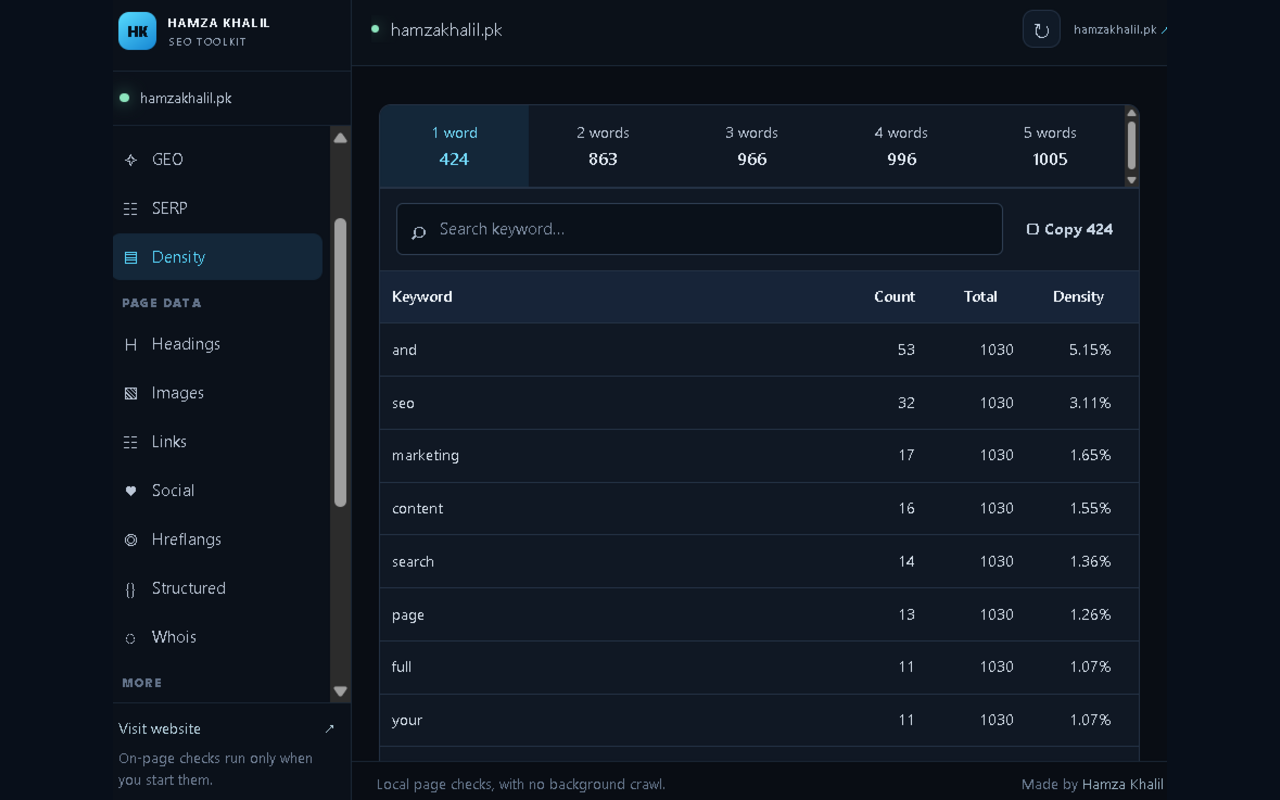
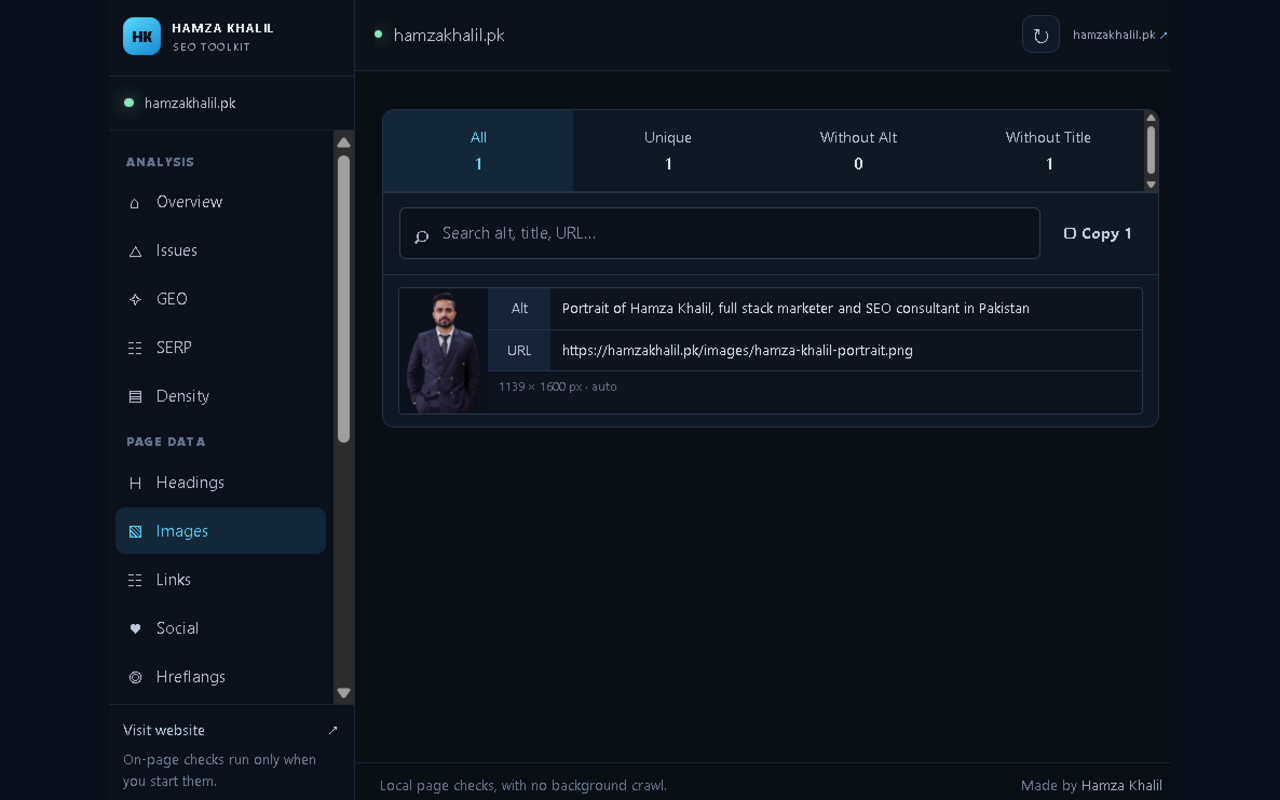
Filter headings, images, links, keyword density and social sharing metadata.
See a Google result preview and open public indexed-result searches for supported engines.
Check for an available snapshot, open the page history or send a page to Save Page Now.
Open PageSpeed, DNS, domain expiry, schema and other tools from HamzaKhalil.pk.
Screenshots
Explore the page overview, SEO checks and page data available in the Chrome popup.
Install from Chrome Web Store
Use the official Chrome Web Store listing to install and receive extension updates through Chrome.
Select Add to Chrome to open the official listing.
On the Chrome Web Store page, choose Add to Chrome and review the requested permissions.
Click Chrome’s puzzle icon, pin Hamza Khalil SEO Toolkit, then open a webpage and click its icon.
Updates: Chrome receives updates for the store version automatically.
Mobile note: Chrome extensions are for desktop Chrome. Chrome on Android and iPhone does not install this desktop extension.
Manual ZIP install
For a manual desktop installation, download and extract the ZIP. Keep the folder on your computer because Chrome loads the extension from it.
Choose Download extension ZIP and save it to your computer.
On Windows, right-click the ZIP and select Extract All. On macOS, double-click it. Locate the folder that contains manifest.json.
In desktop Chrome, enter chrome://extensions in the address bar and press Enter.
Use the Developer mode switch near the top-right of the Extensions page.
Select Load unpacked, then choose the extracted extension folder containing manifest.json.
Click Chrome’s puzzle icon, pin Hamza Khalil SEO Toolkit, open a webpage and click the extension icon.
Permissions and data
The extension reads the active tab after you open it. Saved report summaries stay in Chrome local storage. SERP and Wayback lookups request optional access when used; GEO checks make on-demand requests to public website resources.
Questions
No. Install from the Chrome Web Store using Add to Chrome. Developer mode is only needed if you choose the manual ZIP installation option.
Select the extracted folder that directly contains manifest.json. If you select the ZIP file or the wrong parent folder, Chrome will not load the extension.
No. This unpacked package is for desktop Chrome. Install it on a desktop or laptop browser.
No. The saved report summary stays in local Chrome storage. Optional search and Wayback checks use the relevant public service when you request them.
Install the toolkit directly from the Chrome Web Store.
For manual installation, download and extract the ZIP package.
Install from Chrome Web Store Download ZIP