Microsoft Clarity Audit: Turn Recordings into CRO Fixes
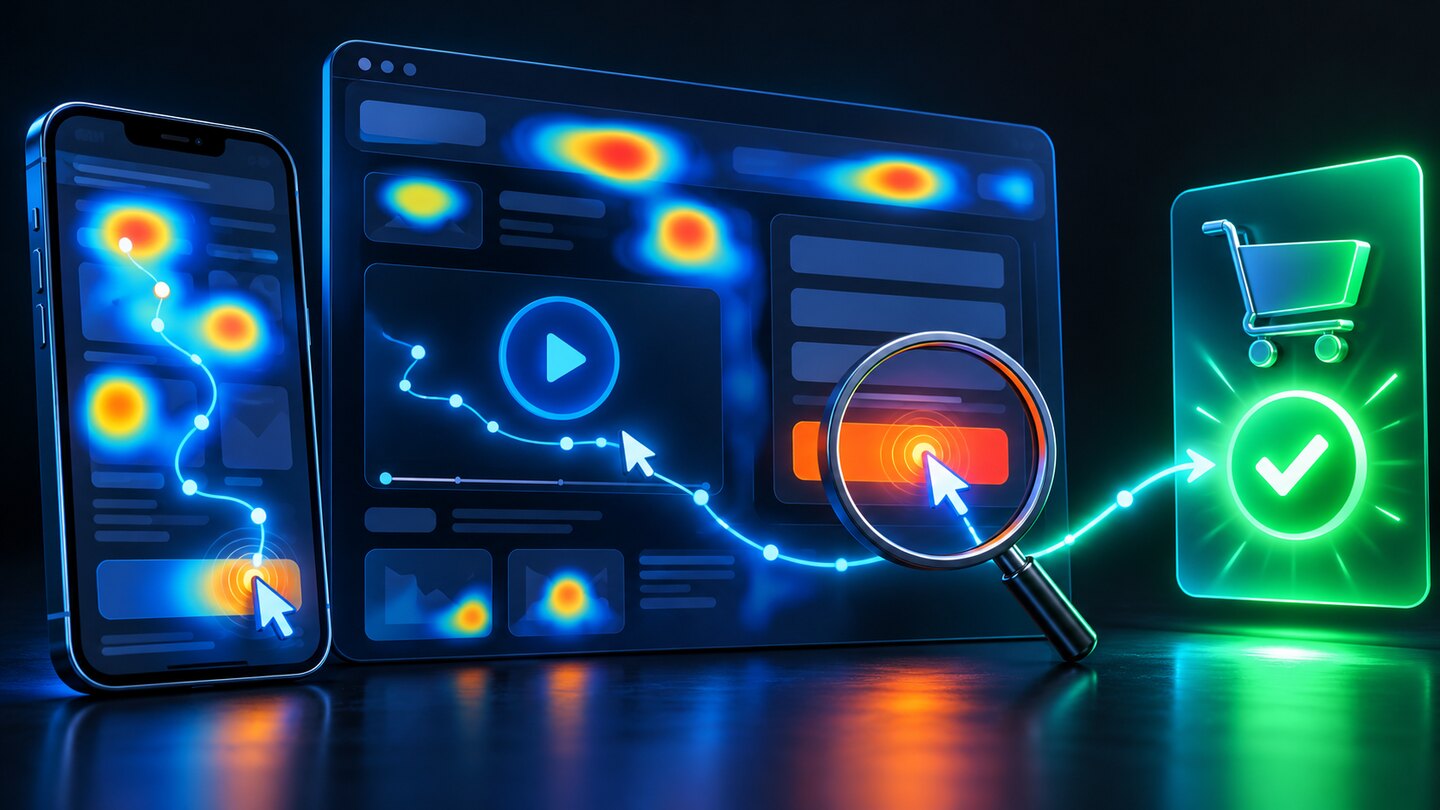
A Microsoft Clarity audit turns session recordings and heatmaps into a short, evidence-based list of website fixes. Start with one commercial journey, filter comparable visitors, watch the moments where they struggle, reproduce the problem, and measure the outcome after changing it. The useful deliverable is a prioritized repair backlog with an owner and a success metric.
This workflow suits a service website collecting inquiries or a store selling to customers in Pakistan and abroad. It is particularly useful when mobile visitors move between a product page, a form, and WhatsApp. Analytics can reveal a drop in completed actions; behavioral evidence helps you investigate what happened around that drop.
Define the scope of your Microsoft Clarity audit
Choose one question before opening recordings. “Why do mobile visitors abandon the quote form?” is workable. “What is wrong with the website?” produces hours of viewing without a decision. Write down the page, audience, intended action, device category, and review period.
Define success using your own business records. A contact-button tap is different from an accepted inquiry, and an order-start event is different from a paid order. Check that the final outcome is measured reliably before interpreting a behavioral pattern. Our GA4 form tracking guide explains how to count confirmed submissions.
- Service business: landing page to accepted quote request.
- Online store: product selection to completed checkout.
- Content website: relevant article to a useful next action.
Keep unrelated pages outside this first pass. You can audit another journey after the team closes the initial backlog.
Check collection quality before drawing conclusions
Verify that the correct Clarity project receives visits from the production domain. Run a controlled test on desktop and mobile, then compare the visible journey with its replay. Check menus, modals, forms, sticky elements, and navigation between pages. Note anything the reconstruction fails to display correctly.
Microsoft explains that session recordings are visual reconstructions built from captured HTML and interactions rather than ordinary screen videos. Consequently, a replay that looks incomplete is a reason to inspect the live page, not immediate proof that a visitor saw a broken interface.
Review masking and consent configuration with the person responsible for measurement. Microsoft documents default masking of sensitive content and controls for additional elements. Check confirmation messages, account areas, and personalized content as well as input fields. Use synthetic details for tests and keep sensitive values out of URLs and shared evidence.
Build a useful sample for a Microsoft Clarity audit
Separate mobile from desktop, then narrow the review to the selected page or journey. If an advertising landing page is the concern, compare visitors from the relevant campaign with a comparable group rather than mixing every source. Use the same date window when moving between recordings, heatmaps, and outcome reports.
Begin with a manageable review batch, such as ten relevant sessions, and extend it when new patterns continue to appear. This is a working research quota, not a statistically representative sample or a universal requirement. Include ordinary sessions alongside flagged ones so your findings do not consist entirely of unusual behavior.
Record how many sessions you reviewed and how many showed each issue. “Several visitors struggled” is vague. “The same validation problem appeared in four of twelve reviewed mobile sessions” describes your sample accurately, provided those are your actual observations. It does not establish a site-wide prevalence rate.
Interpret frustration signals in context
Clarity’s insights identify interactions worth investigating. Microsoft describes rapid clustered clicks as rage clicks and interactions without visible feedback as dead clicks. These labels help you locate moments; they do not identify the visitor’s intention or prove a defect.
| Signal | Question to investigate | Check on the live site |
|---|---|---|
| Rage clicks | Did the visitor expect a response sooner? | Button state, loading feedback, duplicate requests. |
| Dead clicks | Does an element look interactive without responding? | Link target, overlay, event handler, visual affordance. |
| Excessive scrolling | Is important information difficult to locate? | Page hierarchy, navigation, relevant content placement. |
| Quick backs | Did the destination meet the previous page’s promise? | Link wording, destination relevance, navigation context. |
A visitor may tap an image to inspect it, click text while selecting it, or revisit a comparison page deliberately. Watch the actions before and after the flagged moment. Describe the observation first and label your explanation as a hypothesis until it is reproduced or supported by other evidence.
Use heatmaps to test whether the pattern extends further
Recordings provide sequence; heatmaps aggregate interactions across the selected page views. Microsoft’s documentation describes click and scroll maps, among other formats. Use them to investigate whether an observed behavior also appears in a wider set of comparable visits.
For example, if recordings show repeated taps on a delivery-information heading, inspect the click map for that page and device. Then check whether the heading resembles an accordion control. The repair might be a working disclosure or clearer styling, depending on what customers need.
For scroll analysis, examine whether important information appears before the point where visitors commonly stop. Avoid concluding that a cold area is automatically unwanted: visitors may have completed their task earlier. A prominent CTA can receive fewer clicks because it is irrelevant to that audience, not because its color is wrong.
Reproduce the problem before creating a ticket
Move from replay to the live website using a similar viewport and browser where practical. Try the same action with valid and invalid input. Check slow responses, keyboard interaction, navigation back to the page, and repeated submission. Record the smallest repeatable sequence.
Example: a mobile inquiry form
Imagine that the submit button stays unchanged while the server processes a request. A visitor taps it repeatedly, then receives confusing feedback. This is a hypothetical diagnostic example, not a result from a client audit. Reproduce the delay, inspect whether requests duplicate, and check whether the button communicates progress.
A suitable fix could disable repeat submission temporarily, display a clear loading state, and restore interaction with an understandable error if the request fails. Verify that a successful request creates one backend record and one completed-lead event. Making a button feel faster without fixing duplicate records leaves the underlying problem unresolved.
Prioritize repairs by consequence and evidence
Put reproducible blockers ahead of cosmetic preferences. An inaccessible form control or failed checkout has a clearer commercial consequence than a rarely used decorative link. Consider the affected journey, observed repetition, confidence in the diagnosis, and effort required.
- Blocker: users cannot complete an intended action; assign an owner immediately.
- Repeated friction: the action works but causes uncertainty or unnecessary effort; plan a focused repair.
- Unproven opportunity: behavior suggests a possible improvement; gather more evidence or design an experiment.
Each ticket should contain the page, device, reproduction steps, expected behavior, observed behavior, evidence reference, owner, and verification criterion. Keep access to recording links limited to people who need it. Explain the business consequence without adding invented revenue estimates.
Measure the repair without claiming an unsupported uplift
After release, repeat the original steps and review fresh comparable sessions. Check both the interaction and the business outcome. A lower frustration-signal count is useful, but it is insufficient if qualified inquiries or successful purchases fall.
Compare similar traffic sources, devices, and time periods. Note campaign changes, promotions, stock availability, and tracking changes that might affect the result. A before-and-after comparison can guide decisions, but it does not isolate causality as cleanly as a properly designed controlled experiment.
Observation → reproducible problem → focused change → verified outcome. Keep that chain intact so a compelling replay does not become an unsupported conversion claim.
For a Pakistan-facing store using chat to close orders, include the handoff: does WhatsApp open, is the product context preserved, and can the team connect a conversation with a real order? See the WhatsApp checkout CRO guide for that separate part of the journey.
A repeatable weekly audit routine
- Choose the journey and check the quality of its outcome tracking.
- Review a focused batch of comparable recordings and save concise observations.
- Use heatmaps to investigate recurring patterns.
- Reproduce suspected defects and create a small prioritized backlog.
- Release one focused change, test it, and review fresh evidence.
Keep a change log so the next audit starts with what was learned. If several teams own different parts of the journey, agree who handles design, development, measurement, and customer follow-up. Our full stack marketing services connect those responsibilities across acquisition and conversion.
Official references
- Microsoft: Clarity semantic metrics
- Microsoft: Session recordings overview
- Microsoft: Heatmaps overview
- Microsoft: Masking content
Frequently asked questions
What should a Microsoft Clarity audit deliver?
A prioritized list of reproducible website problems, supported by recordings or heatmaps, with an owner and a measurable verification criterion for each repair.
Do rage clicks prove that a button is broken?
No. Rage clicks identify rapid repeated interactions worth reviewing. Watch the surrounding actions and reproduce the behavior on the live page before diagnosing a defect.
How many recordings should I review?
Start with a manageable batch of relevant sessions and continue while new patterns appear. Document your sample and include ordinary sessions as well as flagged ones; there is no universal number that guarantees a reliable conclusion.
Can Clarity replace conversion tracking?
No. Use behavioral evidence to investigate the experience and reliable outcome tracking to measure completed inquiries, purchases, or other business results.
Need help turning website behavior into useful fixes?
Get support connecting analytics, CRO, paid media, and website improvements to a measurable customer journey.
Discuss your website on WhatsApp